
Cosmetics Product Background AI Template
Generate conversion-ready cosmetic product backgrounds while preserving packaging, materials, shade, and label zones. Includes four visual directions and editable ecommerce variables.
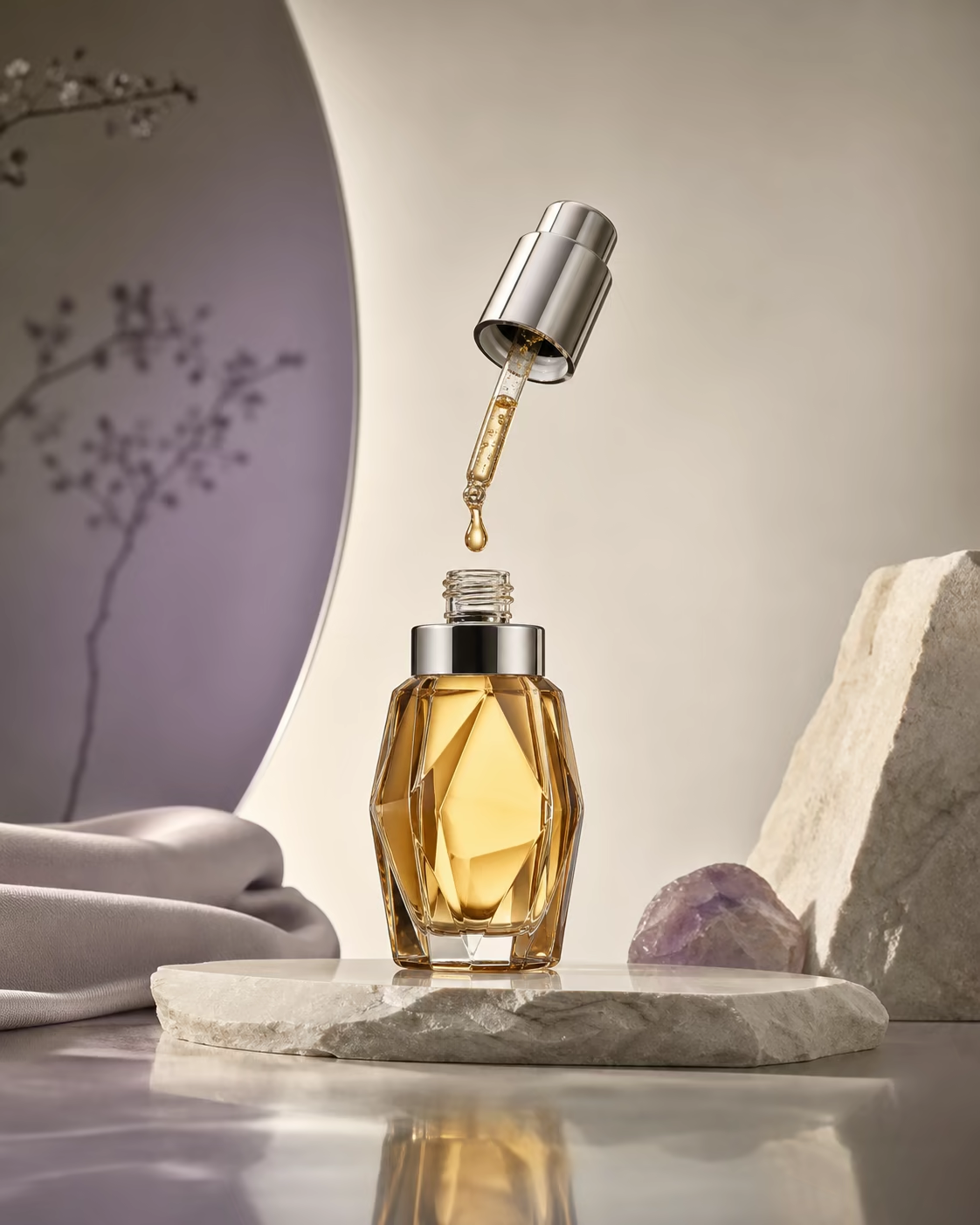
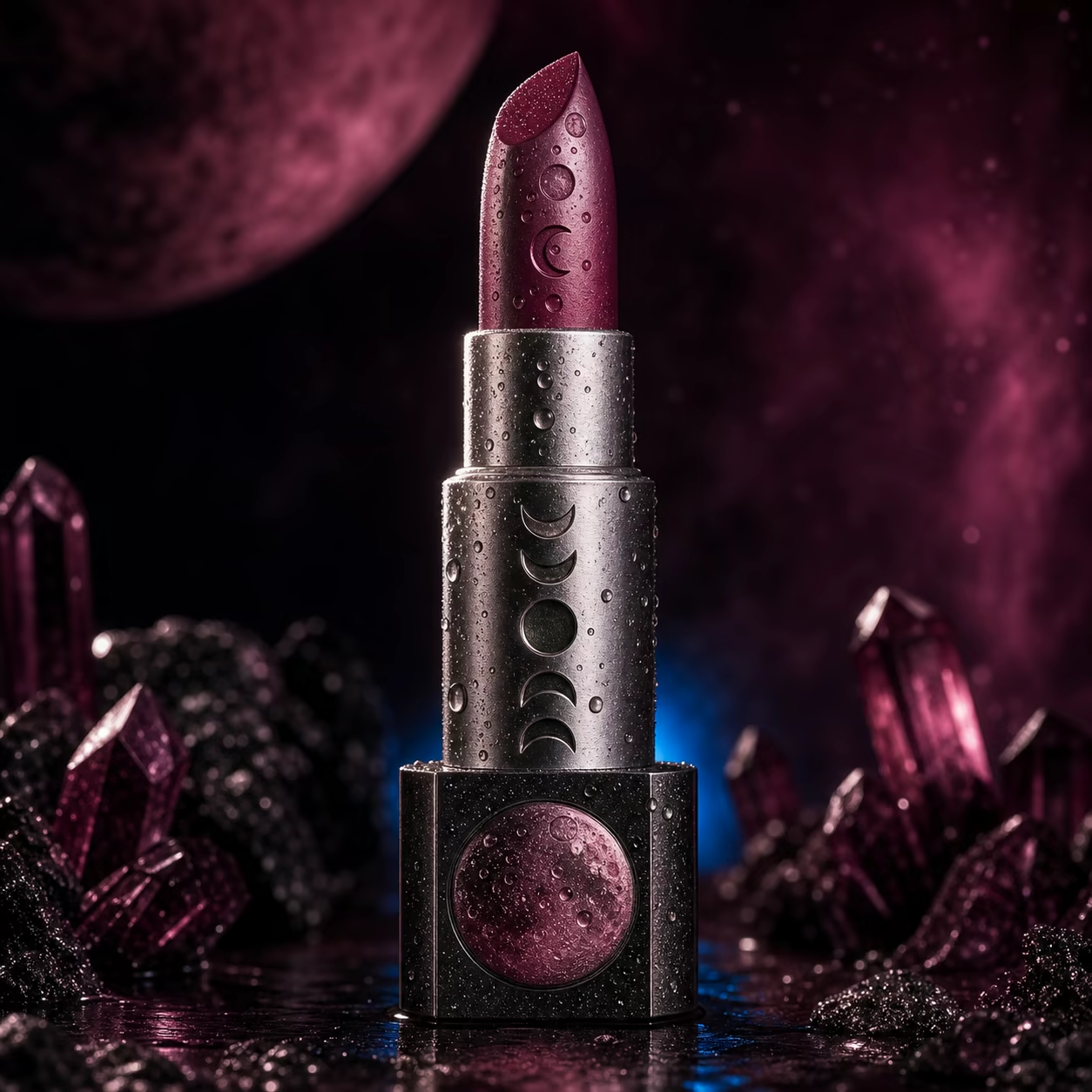
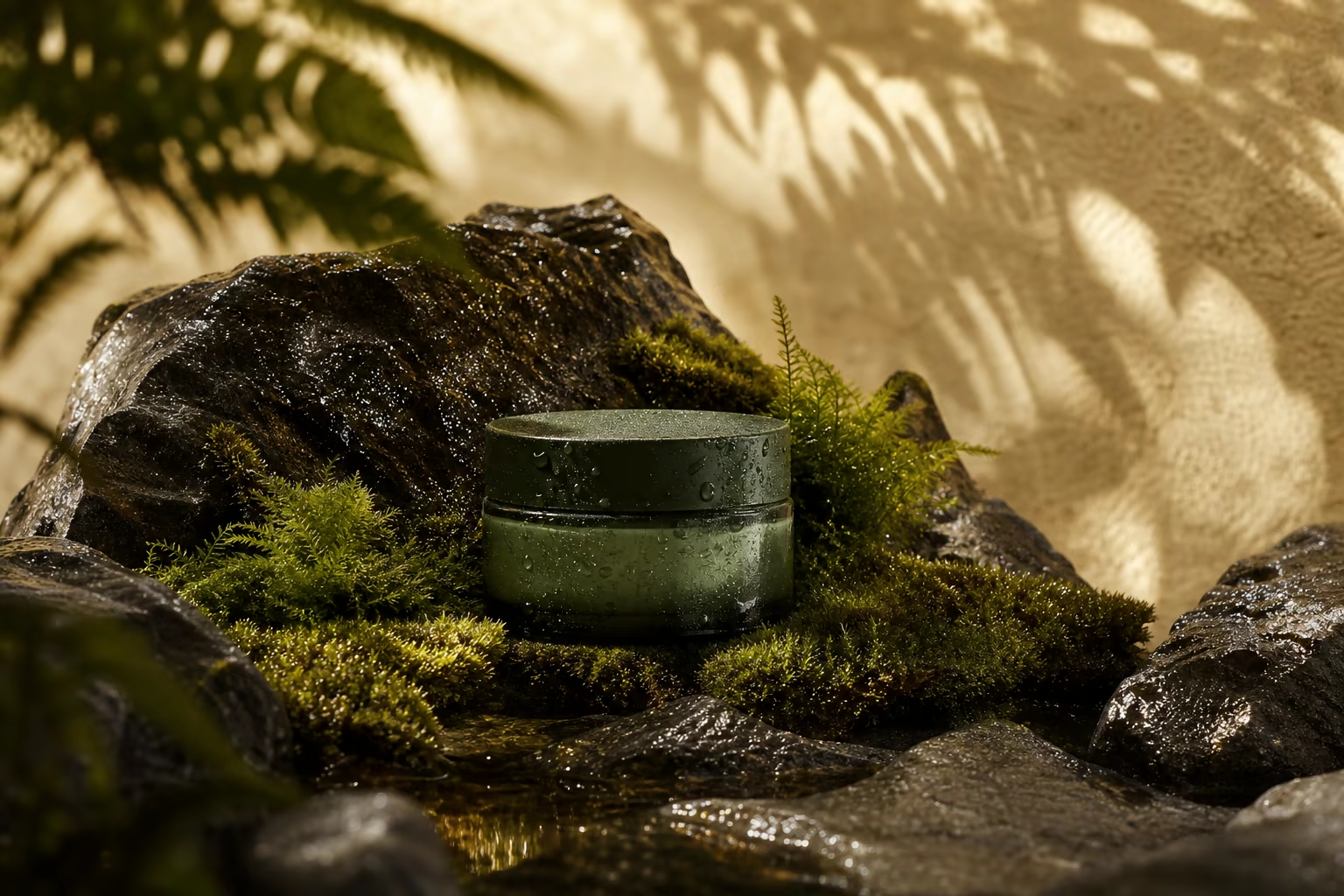
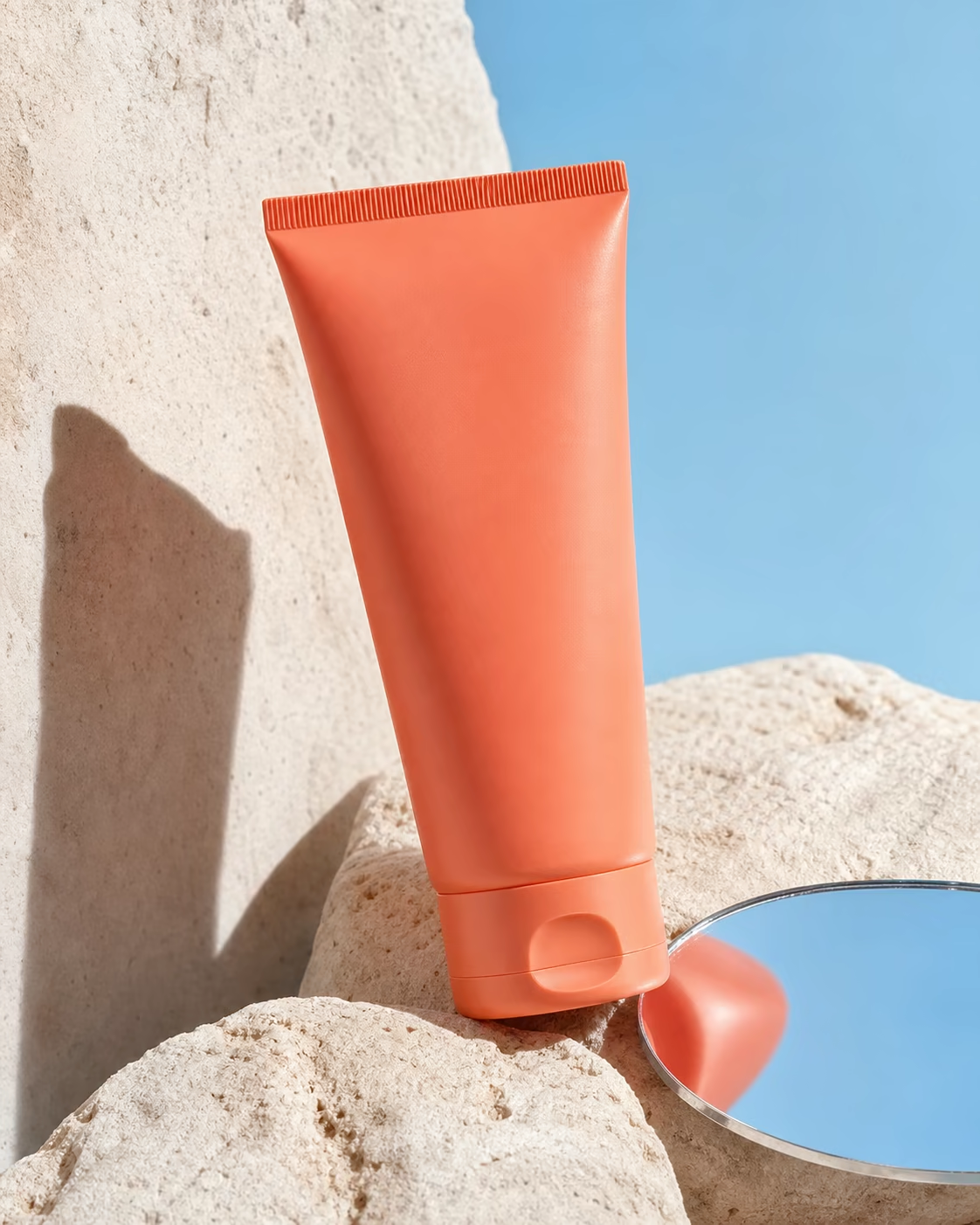
Use this workflow when the source packshot is already approved and only the environment should change. The template explicitly locks packaging geometry, cap shape, label area, and product shade, then directs the model to build a commercially usable set around it. Four examples cover clinical skincare, glossy color cosmetics, natural ingredients, and graphic sunscreen advertising. For the cleanest result, upload a high-resolution product image with minimal reflections and describe every element that must not change.
Updated 2026-08-04
Replace the variables
The prompt is rebuilt as you type. Review it below, add a reference image when needed, and continue in Studio.
- Recommended model
- Seedream 5.0 Pro
- Recommended output
- 2K · 1:1
- Estimated credits
- from 3.4 credits
Original generated examples
Each direction changes the art direction meaningfully while preserving the same commercial task.
Where to use it
- Skincare PDP imagery
- Color cosmetics launch
- Ingredient campaign
- Marketplace A/B variants
Directions to try
- Clinical stone studio
- Glossy macro color field
- Botanical ingredient set
- Graphic hard-shadow social ad
Frequently asked questions
What source image works best?
Use a sharp PNG or WebP with the full package visible and no clipped edges.
Can the label remain exact?
Multi-reference editing improves consistency, but final compliance text should be checked and corrected before publishing.
How many background variants should I test?
Start with four distinct art directions, then upscale the strongest one instead of making many near-duplicates.