Blue Perfume Product Photo AI Template
Create premium blue perfume product photos with editable material, background, color, lighting, and commerce-platform variables. Includes four art-directed examples and a ready-to-run GPT Image 2 workflow.
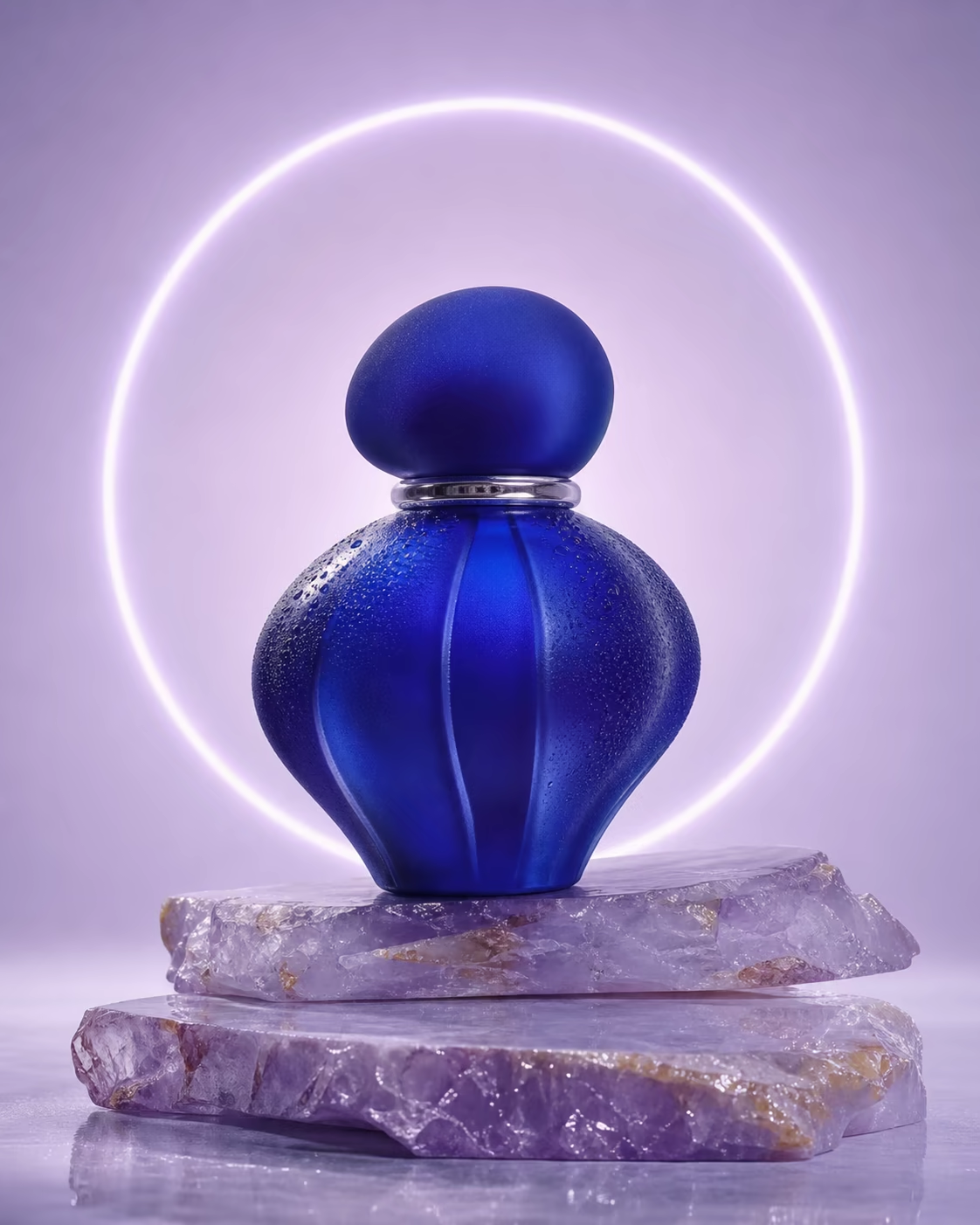
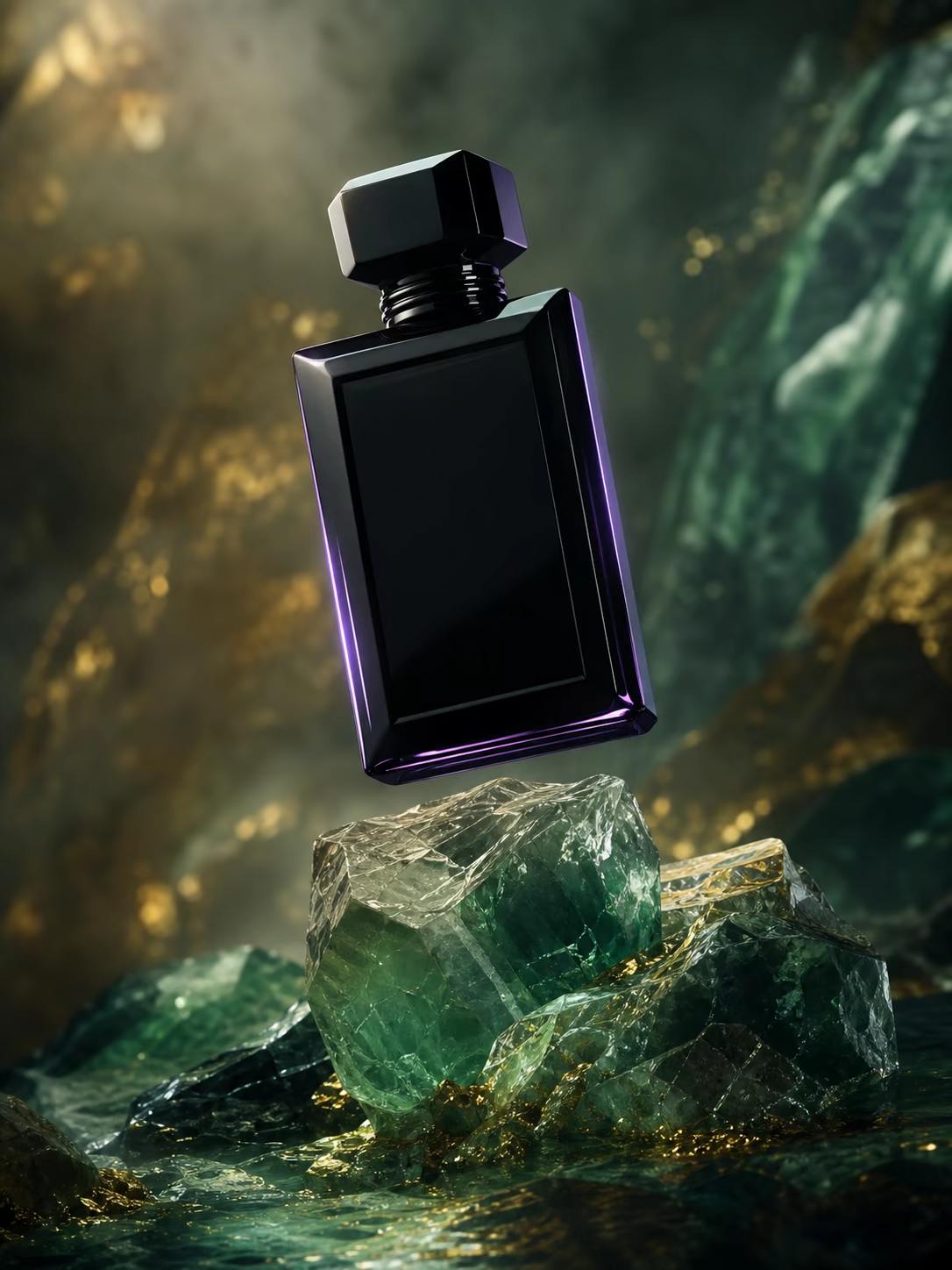
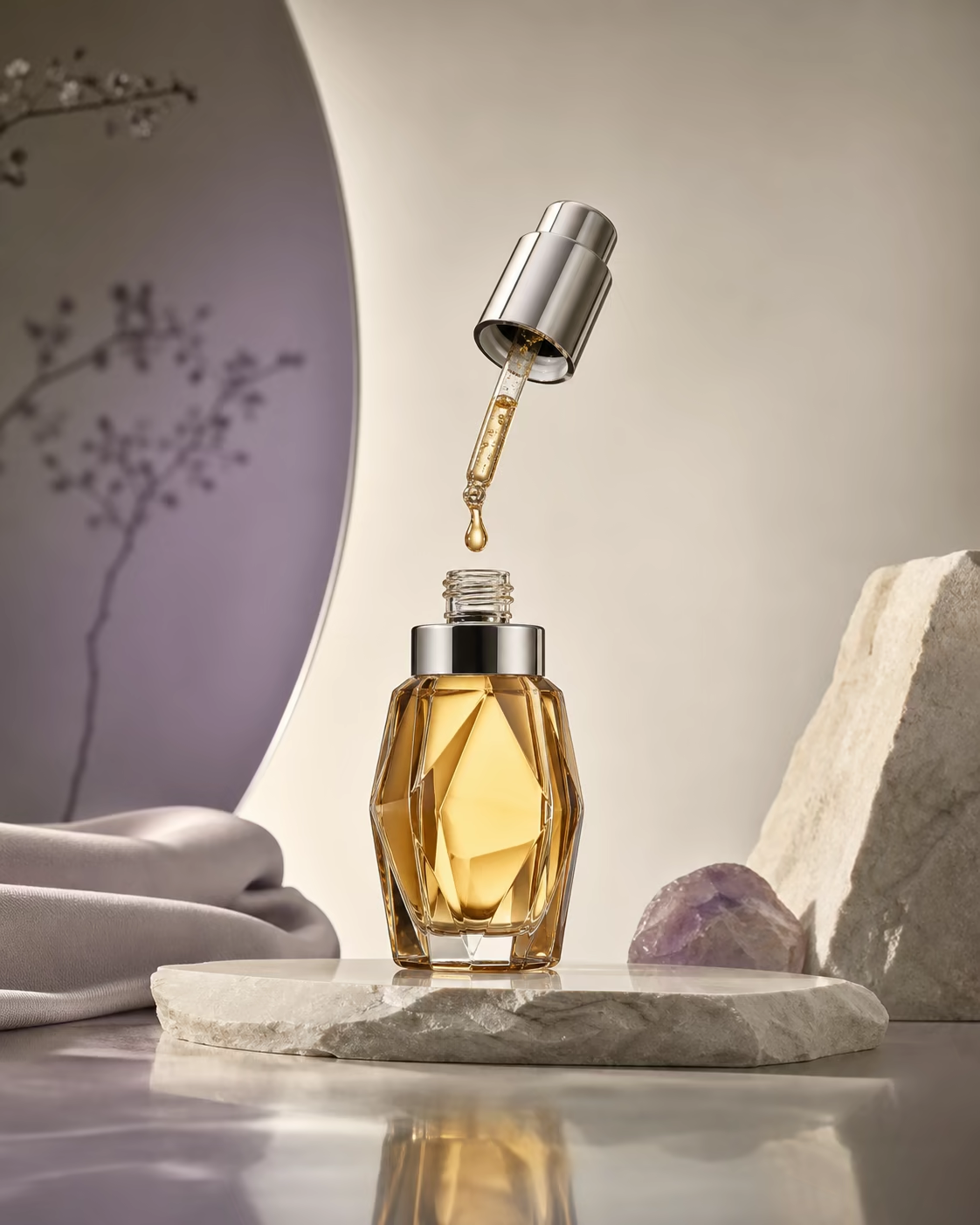
This template is designed for fragrance launches, marketplace listings, and social ads where the bottle geometry must remain credible. It separates product material, set design, palette, lighting, and delivery platform into explicit controls. Use a clean reference image when label fidelity matters, keep reflections physically plausible, and reserve negative space based on the destination layout. The four examples demonstrate mineral, studio, luxury-dark, and botanical directions while preserving a premium glass-product language.
Updated 2026-08-04
Replace the variables
The prompt is rebuilt as you type. Review it below, add a reference image when needed, and continue in Studio.
- Recommended model
- GPT Image 2
- Recommended output
- 1024x1024 · 1:1
- Estimated credits
- from 4.53 credits
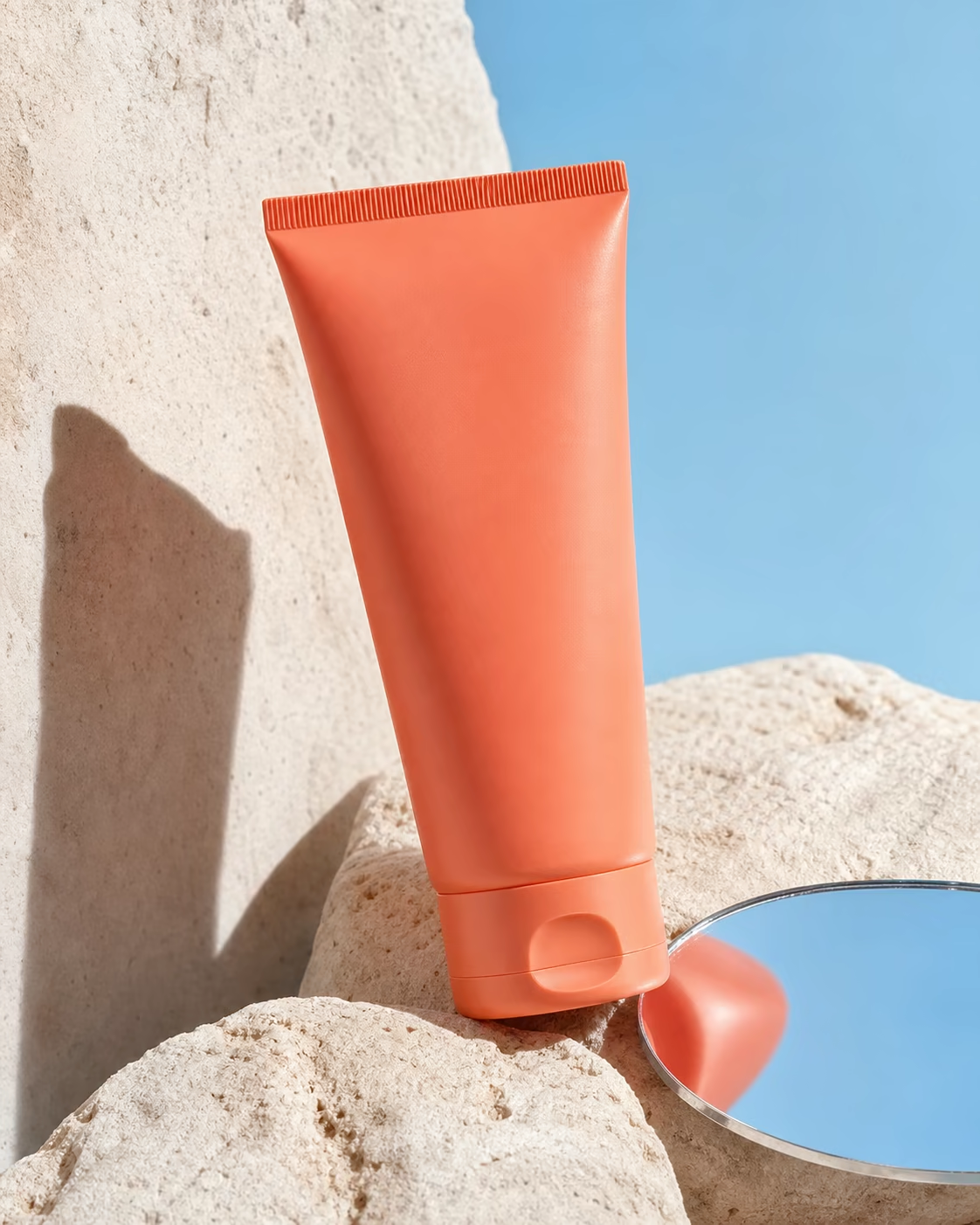
Original generated examples
Each direction changes the art direction meaningfully while preserving the same commercial task.
Where to use it
- Fragrance launch key visual
- Amazon and Shopify product listing
- Instagram square advertisement
- Beauty campaign moodboard
Directions to try
- Mineral pedestal with halo light
- Dark luxury bar with gold accents
- Clean ivory ecommerce studio
- Botanical shadow lifestyle scene
Frequently asked questions
Should I upload the original bottle photo?
Yes when the bottle shape, cap, or label must stay accurate. Use a clean front or three-quarter view with even light.
Which ratio works for ecommerce?
Use 1:1 for marketplace listings, 4:5 for social feeds, and 16:9 for banners with copy space.
How do I prevent fake label text?
Ask the model to preserve label geometry and avoid invented text, then use the Studio text-edit action for final typography.