
A Practical Prompt Framework for GPT Image 2
A compact method for writing art-directed prompts that stay clear, controllable, and easy to refine.
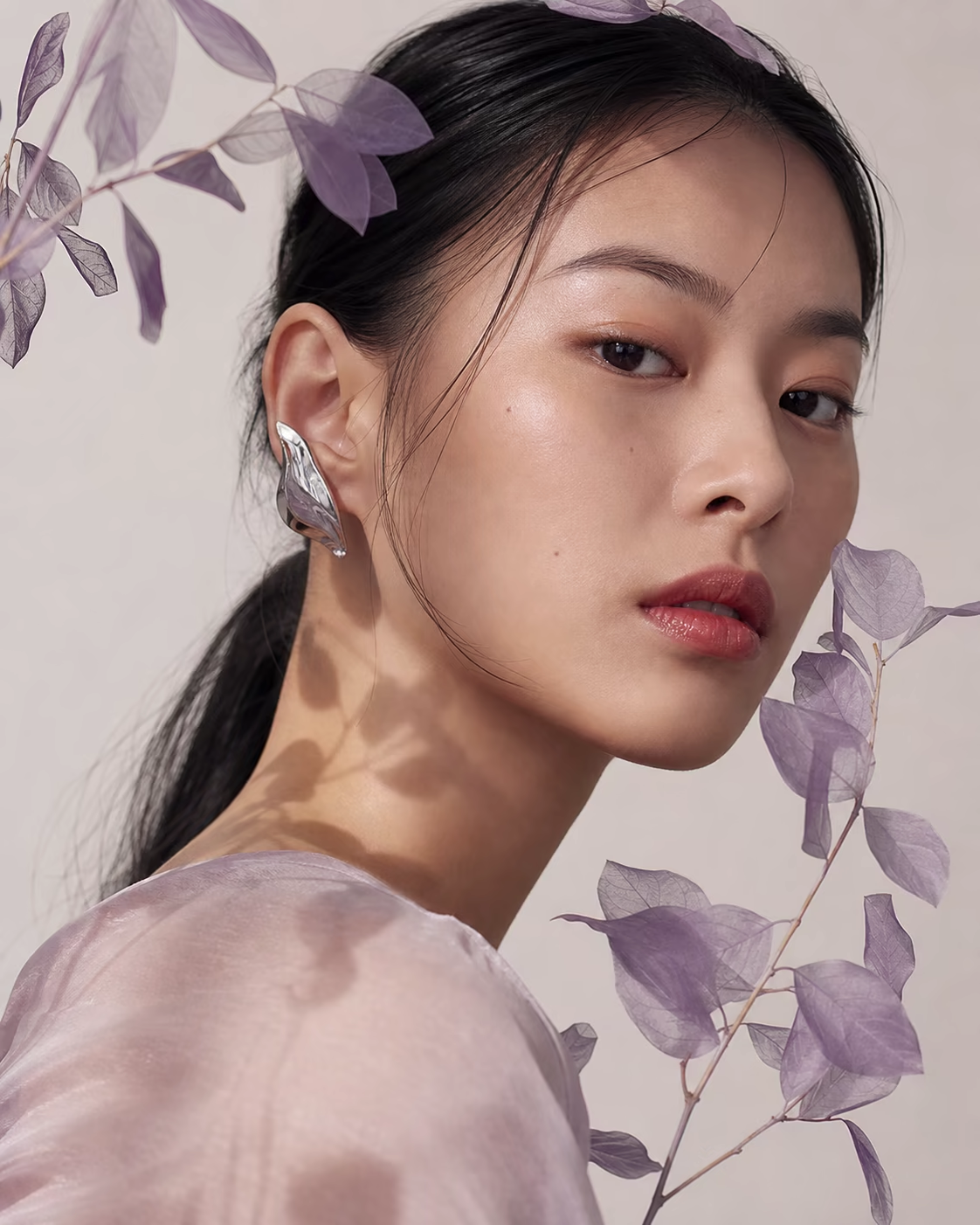
A Practical Prompt Framework for GPT Image 2
The strongest prompts are not necessarily long. They make the creative decisions that matter and leave the rest open.
Start with the intended use
Tell the agent whether the image is a product campaign, editorial portrait, social cover, concept art, or presentation visual. Intended use gives the result an immediate level of polish.
Describe the visual hierarchy
Name the main subject first, then the environment, composition, lighting, palette, and material details. This order helps keep secondary details from competing with the subject.
Add constraints that protect quality
Use a short final line for constraints such as “no watermark,” “no extra text,” or “keep the product silhouette unchanged.” Constraints are most useful when they protect a specific design decision.
Refine one variable at a time
After the first result, ask for one focused change: warmer light, a lower camera angle, more negative space, or a different surface. Small iterations preserve what already works.
In Imgent, you can apply an inspiration prompt and continue refining it in the same conversation.